.png)
Creating One Off Payments
Add a one off payment
Want to collect a one off payment by Direct Debit or card? Click one-off payment

Enter a description for the payment in Product/Plan name such as 'Extra Wednesday Class'
Enter the amount you wish to collect
Select your chosen payment method
Choose when you want to collect the payment
Select the site/group this customer belongs to (if applicable)
Press Create one off

View the payment you have setup


Adding one off collections in bulk
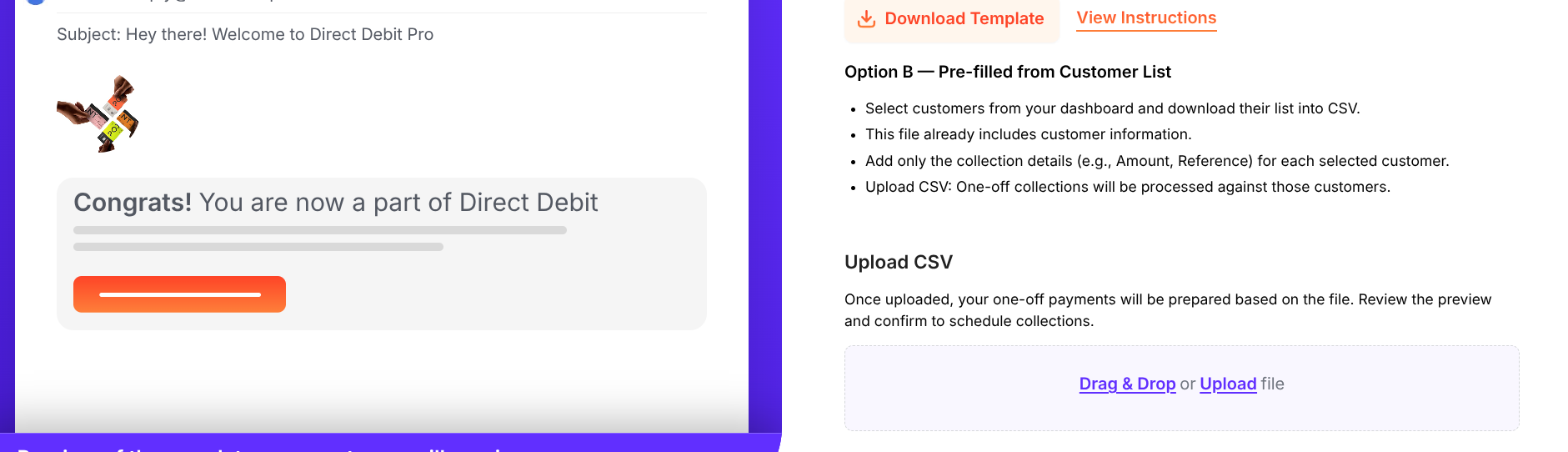
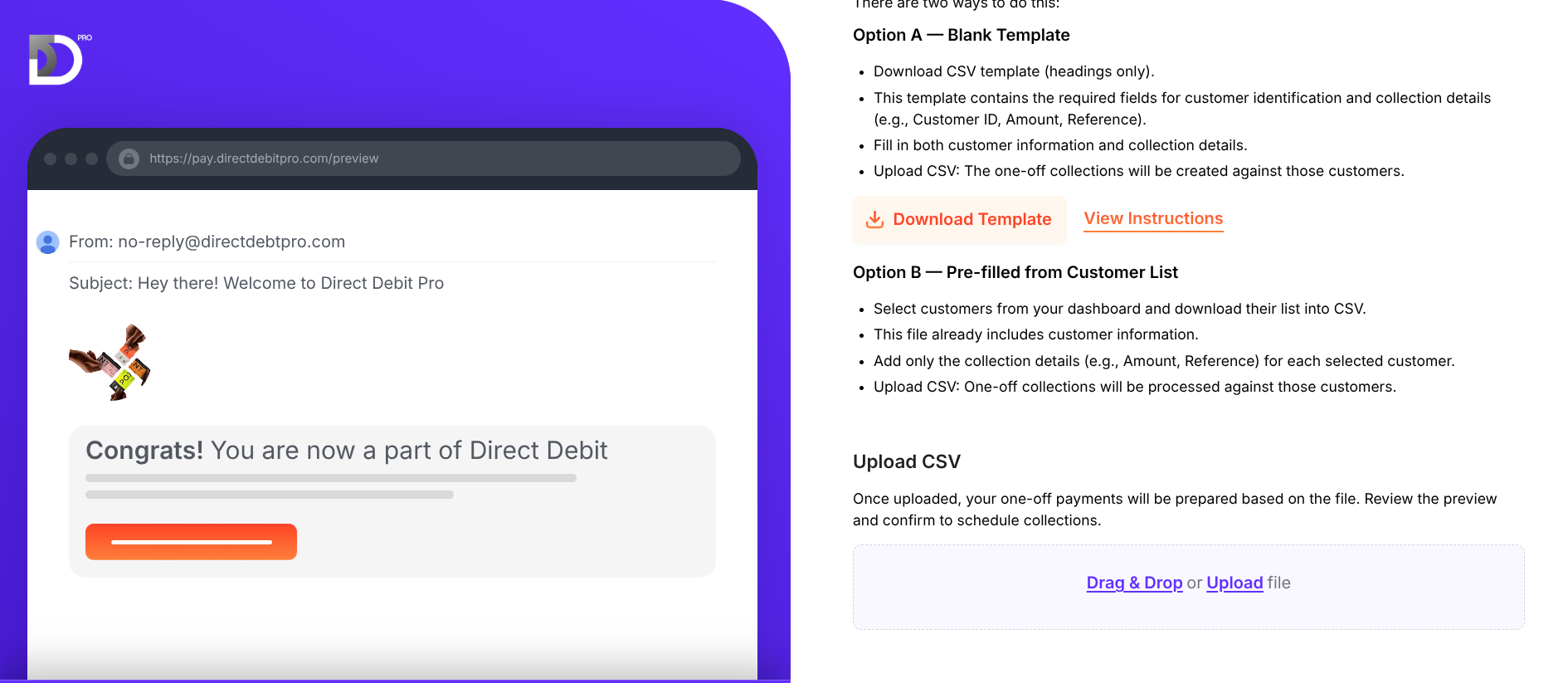
From the Collections page click on 'One-off collections bulk import'
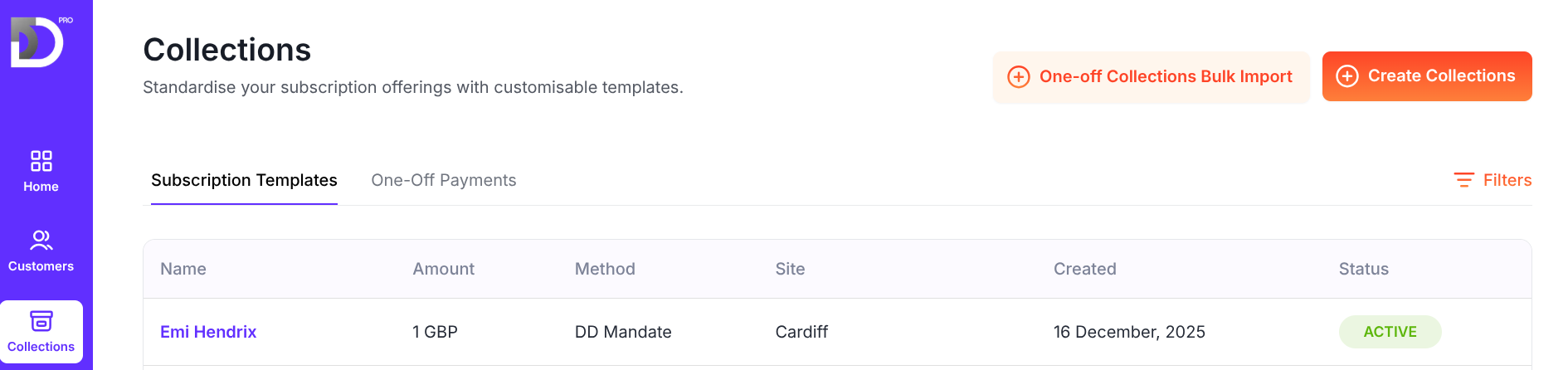
From here you can click on 'Download Template' which will give you a csv file you can fill in with your customer information
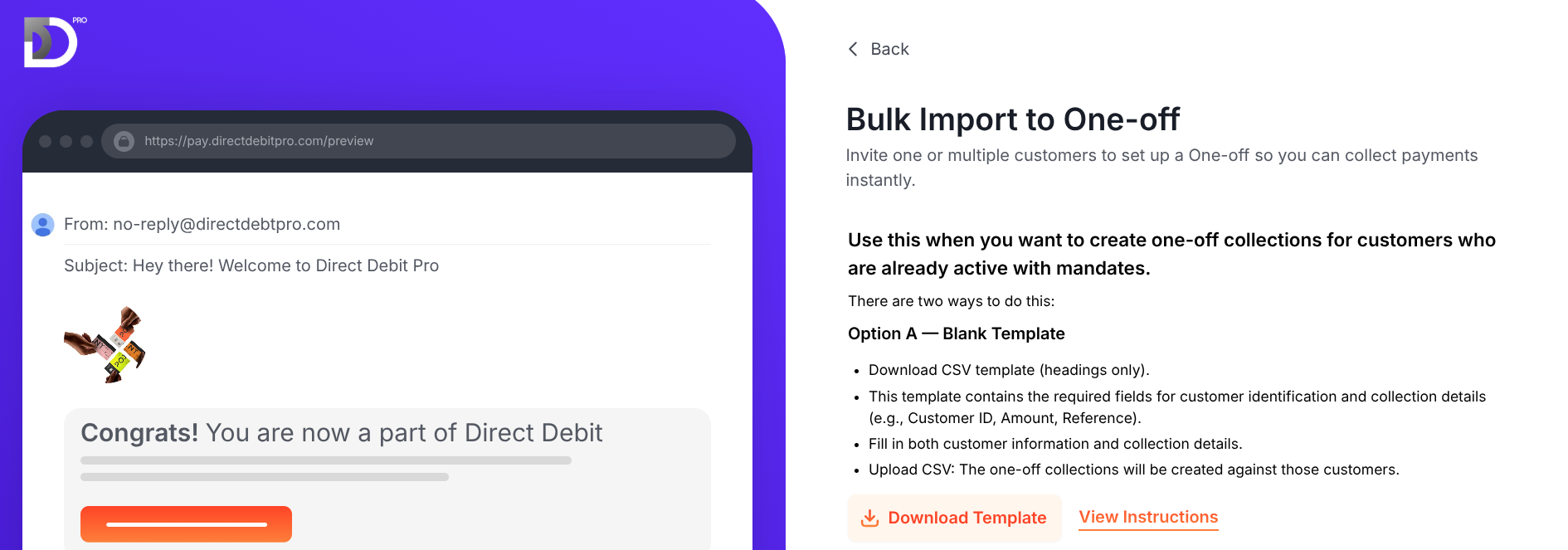
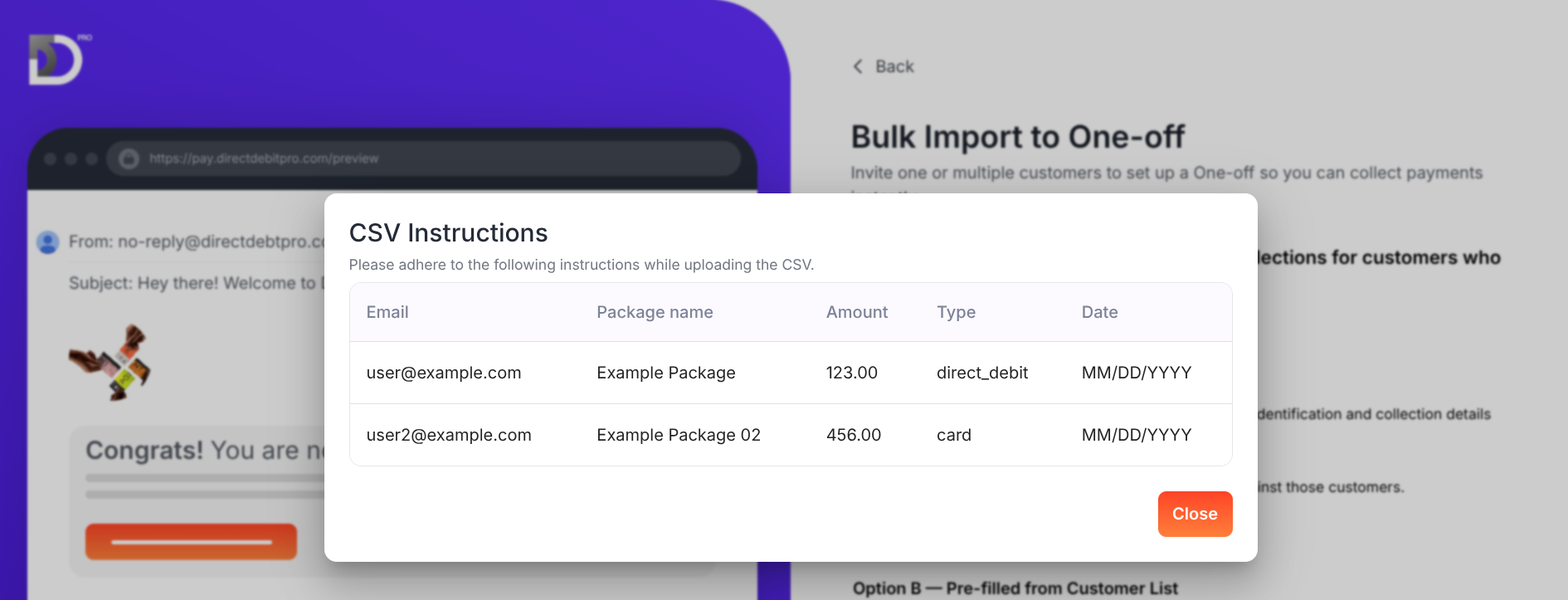
To see how to fill this in click on 'View Instructions' which will show the correct format to enter your customer data in

Once your csv file is complete you can then upload the completed file by dragging and dropping it in or uploading directly from your device.
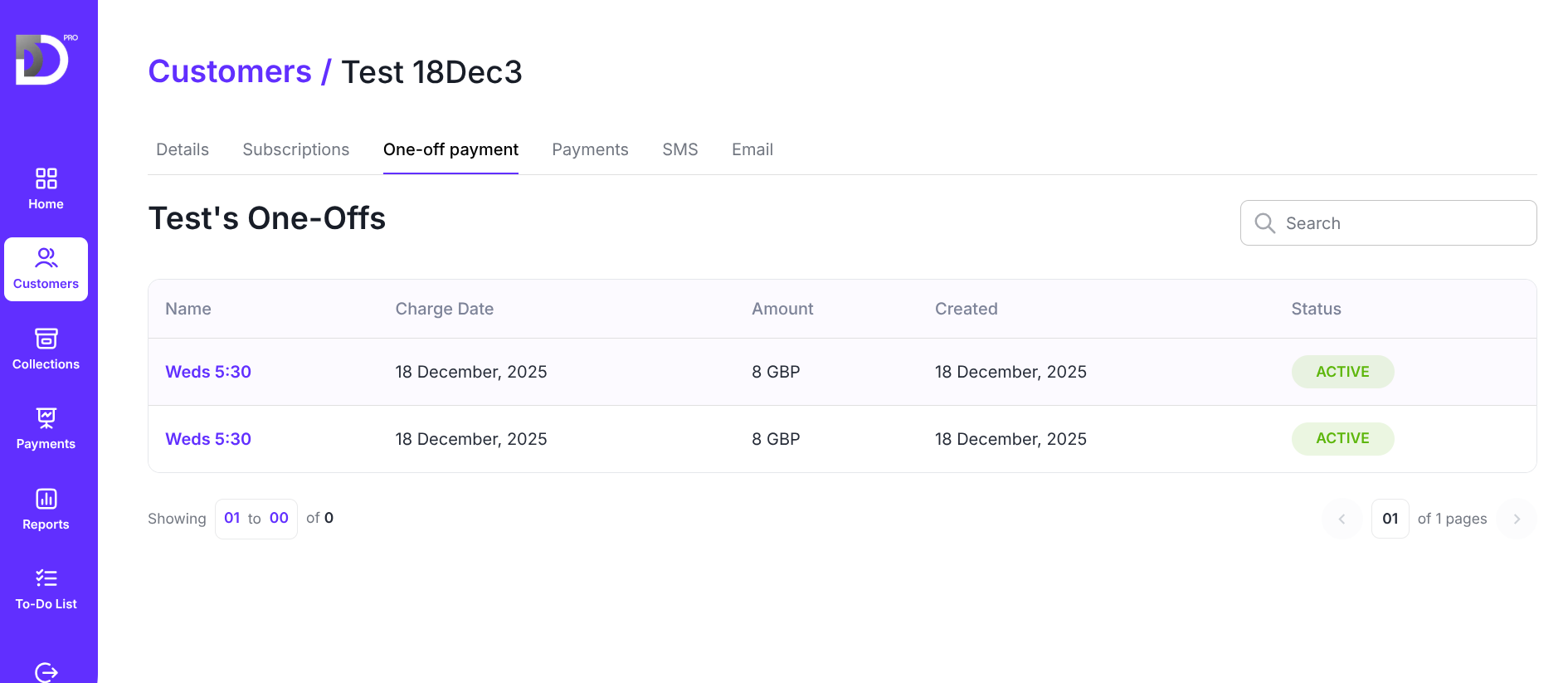
Once you have completed this process you will then have created one off collections against those customers, you can check these on the customers page by clicking into the customer name, then one-off payment and any one off payments will then be shown underneath
To do a bulk upload using a pre populated csv file follow the instructions below and then complete the steps above for upload of the file